Core count tells you how much work a processor can tackle at once. It does not tell you how quickly every app will run.
A laptop listing says “8 cores, 12 threads.” Another says “6 cores, 12 threads.” It is tempting to treat those numbers like points on a scoreboard. More must be better, right? Sometimes. But the numbers describe different things, and neither is a complete performance rating.
The useful question is what your computer spends its time doing. Browsing a handful of pages, editing a long video and compiling an Android app ask very different things of a processor.
What a core actually does
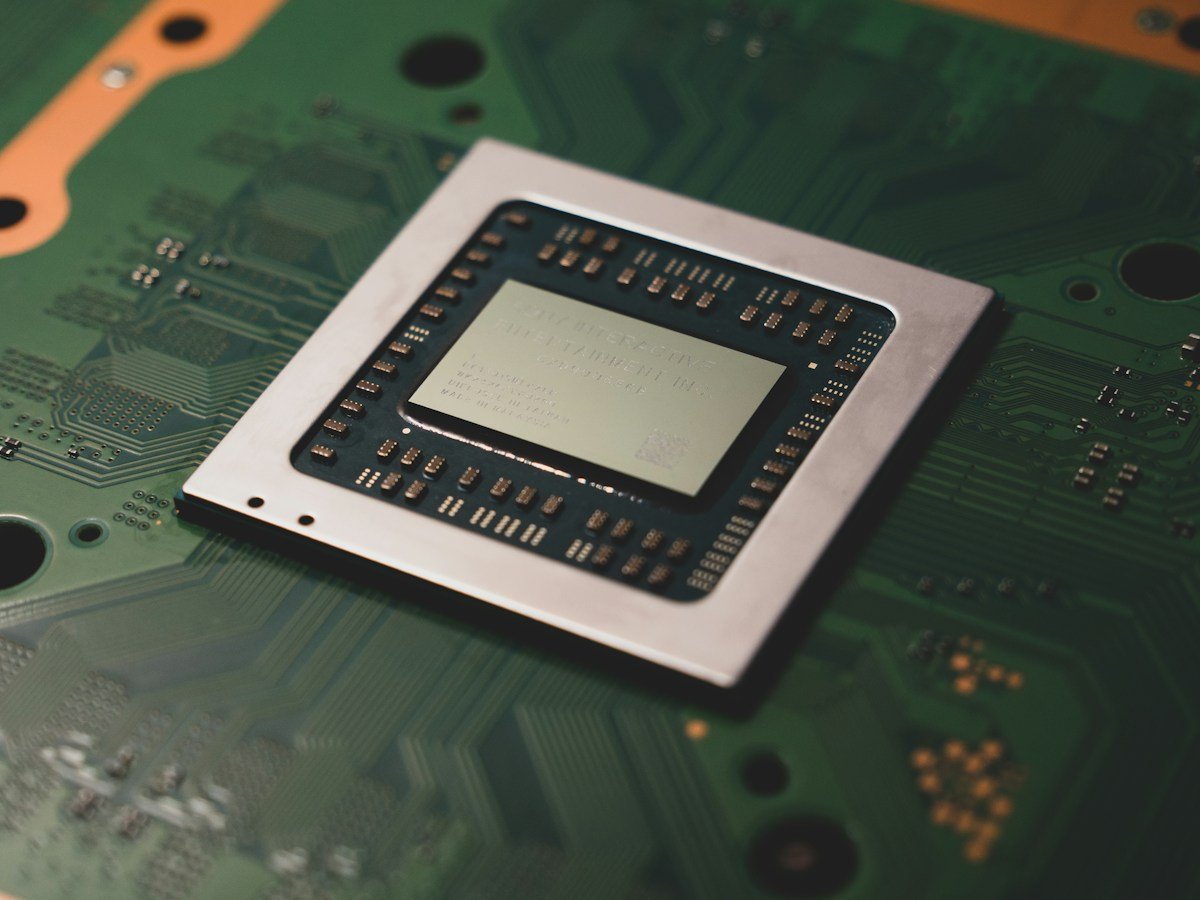
A core is a physical processing unit inside a CPU. It carries out instructions. Several cores let a processor work on multiple tasks at the same time, provided the software can divide its work between them.
Picture a video editor exporting a project while a browser and music player remain open. There are several jobs to schedule. More capable cores can help. Now picture a step in a program that must wait for the previous step to finish. Throwing extra cores at that particular step may accomplish little.
Some processors also mix different kinds of cores. A total core count can therefore hide substantial differences in what those cores can do. Compare the actual processor model, not just the number printed beside it.
Why threads are not extra physical cores
In a specification sheet, the advertised thread count usually means the number of hardware threads, or logical processors, available to the operating system. Technologies such as simultaneous multithreading allow a physical core to handle more than one thread.
Those threads share resources within the core. This can improve utilization, but it does not turn one core into two independent copies. An eight-core, sixteen-thread CPU is still an eight-core CPU.
Software also uses the word “thread” for a sequence of work within a program. A computer can schedule many software threads across its available hardware threads. The two uses are related, but they are not interchangeable.
Clock speed needs context
Gigahertz describes clock cycles per second. It does not tell you how much useful work a processor completes in each cycle. Architecture, power limits, cooling and the workload all affect the result.
A thin laptop and a desktop can behave very differently during a long export even when their headline specifications look similar. Short bursts of speed are useful; sustained performance is a different measurement.
Compare the task you care about
Before choosing between machines, write down your three most demanding tasks. Be specific: “export a ten-minute 1080p video” is more useful than “content creation.”
- For everyday responsiveness, look at app startup, browser behavior and adequate memory.
- For editing or rendering, look for benchmarks using the software and media type you expect to use.
- For programming, consider build times as well as memory requirements for development tools.
- For gaming, compare complete systems at the same resolution and settings.
A benchmark only answers the question it tested. One impressive score should not stand in for every kind of work.
Check the rest of the machine
A strong CPU cannot fix a nearly full drive, insufficient RAM or poor cooling. Before replacing a slow computer, observe it during the actual slowdown. Is memory crowded? Is a drive busy? Is the system overheating?
Use core and thread counts to understand the design, then use comparable workload results to judge performance. That approach is less exciting than choosing the biggest number, but it is much more useful.
Sources & further reading
Original explainers and practical examples, with technical background from the sources below. Source links reviewed 2026-10-03.
More context, fewer assumptions. About our editorial approach.